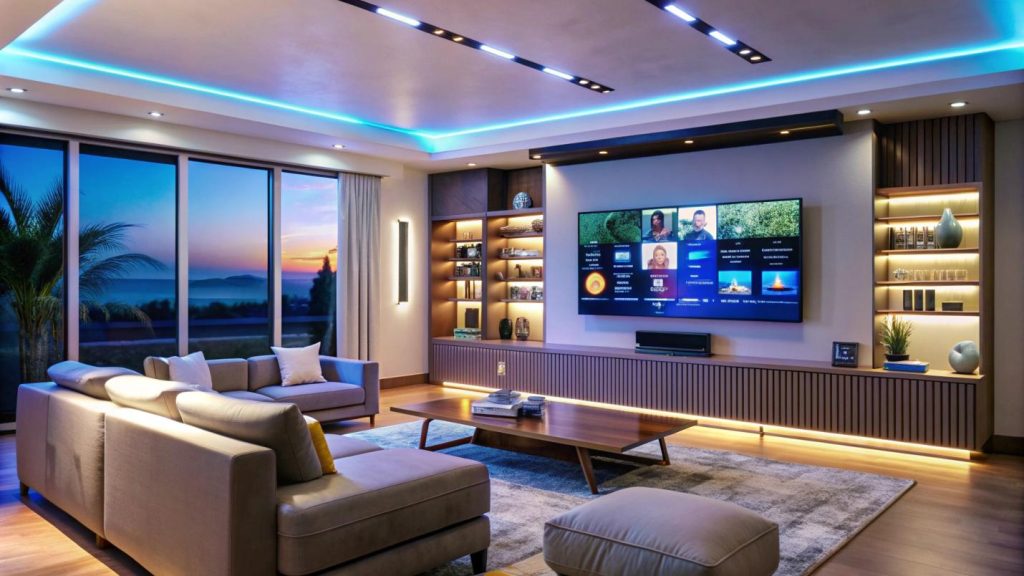
A home theater setup is a specialized entertainment system that combines high-definition visuals and multi-channel surround sound to replicate the immersive experience of a commercial movie theater. Just imagine large visuals and multi-channel surround sound that pull you directly into the action, making movies, sports, or games feel far more engaging than with standard TV speakers and displays.
You can enjoy a premium cinematic experience without the hassle of crowded commercial theaters, noisy audiences, high ticket prices, and parking issues.
Have you been thinking about setting up a home theater but don’t know where to start? You are in the right place. In this how-to guide, we will outline the step-by-step process for setting up your home theater effectively.
Step 1: Assess Your Room Space
The process of setting up a home theater begins with assessing the space available in your room. Make sure you have a separate room where you can set up a home theater effectively. However, you can also set up in an already functioning room, but you have to be very specific in your decisions and available space to transform it into a home theater.
Measure the room’s width and height before you start your home theater setup. Additionally, check the available electrical outlets and sockets, as you’ll need a few when plugging in the system.
Step 2: Choose Your Equipment
Once you have assessed your room and checked the available outlets for connecting your equipment, the next and most important step is to choose the equipment, such as displays, audio, hubs, speakers, sources, and cables.
For displays, choose large 4K TVs or projectors based on your room’s dimensions. Get an AV receiver to act as the central control hub. For speakers, you can use a 5.1 surround sound system. Connect media players, such as game consoles and streaming boxes, using high-speed HDMI cables.
Step 3: Plan the Layout and Position Speakers
This is the most important step when setting up the theater. After you have chosen the equipment for your home theater, this step is to design the layout or position the speakers in your theater room.
Place the left and right speakers on opposite sides of your TV at ear level. Angle them slightly toward your seats. Keep them at least six feet apart. Also, place the side surround speakers to the left and right of your main seating position, slightly behind or directly to the sides, roughly 1 foot above ear level.
Place the subwoofer in the farthest corner of the room, and mount your TV so the bottom edge is roughly 24 to 36 inches above the floor.
Step 4: Connect Your Components
Before connecting any equipment, turn off and unplug all equipment. Strip about ¼ to ½ inch of insulation from your speaker wires. Match the positive and negative terminals on each speaker to the corresponding binding posts on the back of your AC receiver.
Connect an RCA audio cable from the receiver’s subwoofer pre-out to the subwoofer’s line-in port. Plug your streaming devices and consoles into the HDMI inputs on the AV receiver. Connect a single HDMI cable from the receiver’s HDMI port to the matching port on your TV.
Step 5: Fine-Tune and Calibrate
This is the final step in setting up your home theater. Hang blackout curtains on the windows and add rugs to the side panels to reduce echo. Plug the included setup microphone into the front panel, position it at the height of your main seat, and run the automatic room calibration program to balance speaker levels.